How to download WoW Forever
The client comes from Battle.net. This page only repeats the official steps and links out. It does not host an installer.
Last checked:
Those five steps are the sequence in Blizzard’s claim-your-names post, which walks through install as well as names. The storage figure I will print is 128 GB of SSD space. Both Gfinity’s requirements write-up and System Requirements Lab repeat that number for the minimum and the recommended line. I do not have a separate “download size in gigabytes transferred.” The pages I read give free space, not a patch byte count.
If the loading screen sits still, the public Reddit threads discuss pre-install and a stuck loader. I am not turning those threads into a guaranteed fix. The practical checks that match the official steps are: confirm the version menu says Forever, confirm the drive has the 128 GB free, and let the Battle.net app finish the patch before you press Play. Mac uses the same app. Console builds are not on the download page because they are not announced.
- Update your graphics driver before you start.
- Install the Battle.net desktop app.
- Select World of Warcraft in the app.
- Above Play, open Game Version and choose World of Warcraft: Forever.
- Install, then press Play and pick a ruleset.
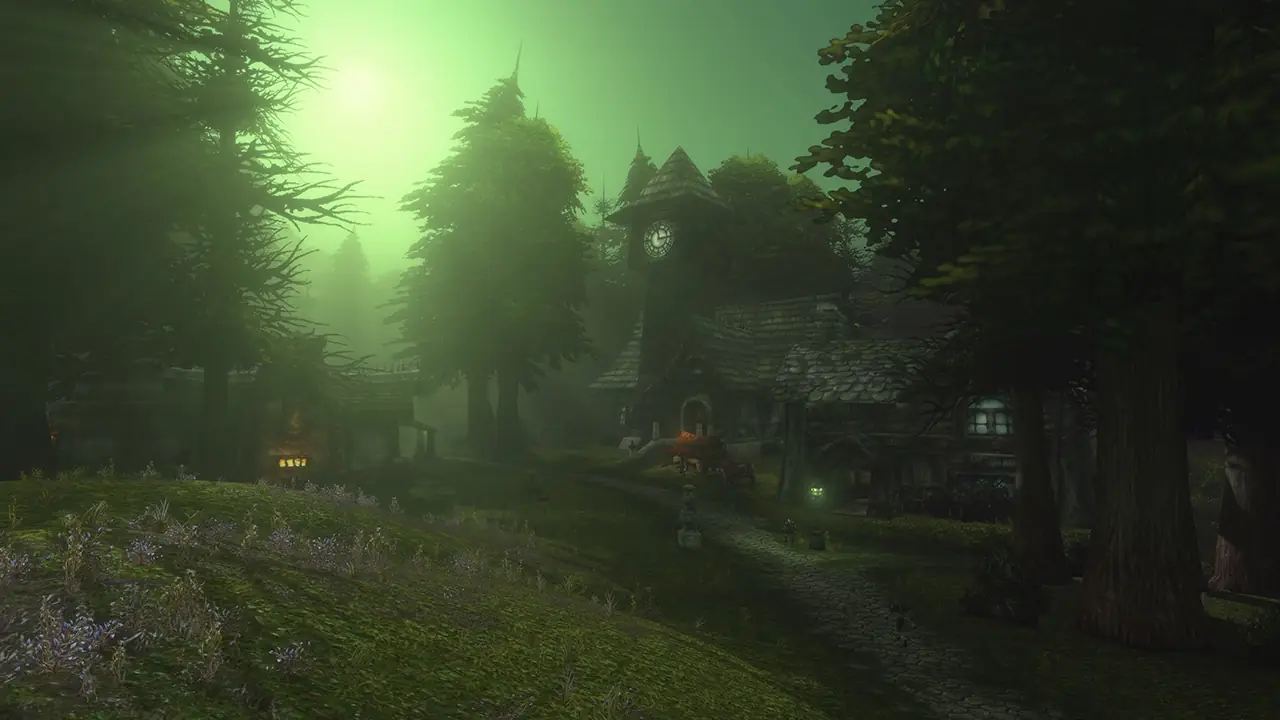
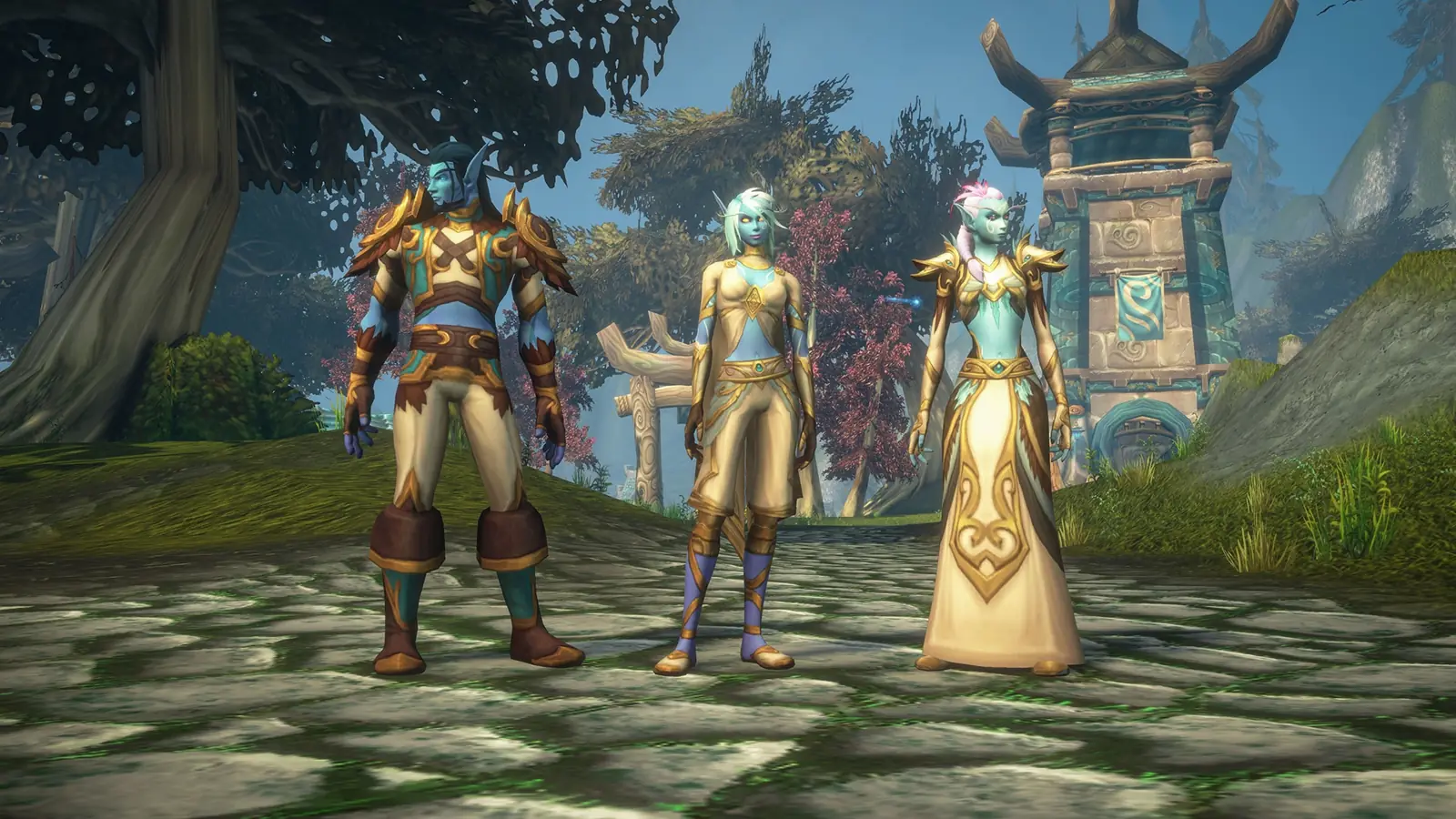
Video
The player stays unloaded until you press play.
Related
Questions
Is there a direct client on this site?
No. The installer is the Battle.net app linked above.
How large is the install?
128 GB of free SSD space, on both the minimum and recommended lines. A separate download byte count was not published on the pages I read.
Sources
- Claim your names (install steps) — checked 2026-11-12
- Gfinity requirements — checked 2026-11-12
- System Requirements Lab — checked 2026-11-12